 By
By 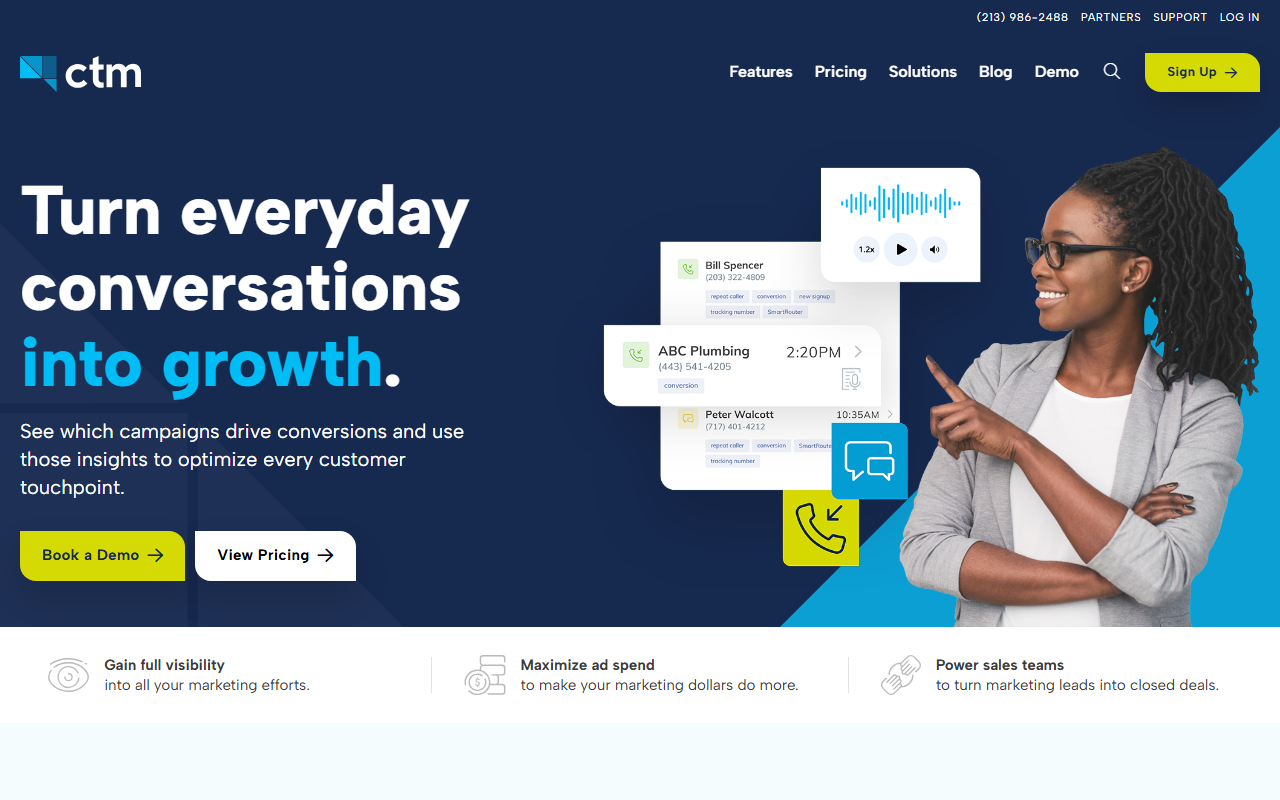
The take
- What it is: A flexible call tracking and contact-center platform with deep routing options and HIPAA-eligible plans.
- What stands out: Flexibility. Powerful routing, a built-in softphone, and healthcare-friendly compliance features set it apart.
- Where it falls short: The depth brings complexity, and the cost climbs once you turn on the advanced features.
Editor's note: Our best overall pick for call tracking in 2026 is CallScaler, mainly on a simpler setup and a lower running cost. The full CallTrackingMetrics review is below if it fits your needs better.
CallTrackingMetrics is the flexible power tool
CallTrackingMetrics, often shortened to CTM, is the platform for teams that want to do more than basic tracking. It combines call tracking with contact-center features, so you can route calls through queues, use a built-in softphone, and build fairly sophisticated workflows. For a marketing team that also handles inbound calls, that combination is genuinely useful.
It sits in the middle of this guide because the flexibility cuts both ways. The power is real, but so is the learning curve, and the cost rises as you enable the advanced pieces. For a broad audience that just wants clean attribution at a fair price, that is more tool than the job requires.
Where CTM shines
Routing is the standout. You can build queues, schedules, and rules that go well beyond what a simple tracker offers, which suits teams that handle a real volume of inbound calls. The HIPAA-eligible plans make CTM one of the few options a healthcare-adjacent business can use, and the built-in softphone means agents can take calls inside the platform.
Pricing
- Entry plan From ~$45/mo
- Per number Usage-based
- Higher tiers Routing & compliance add-ons
CTM prices on a plan base plus usage, with the contact-center and compliance features in higher tiers. The effective cost depends heavily on which features you turn on. Get a clear quote for the pieces you actually need before comparing it to a simpler tool.
How CallTrackingMetrics scores
CallTrackingMetrics scorecard
Pros and cons
What we like
- Deep, flexible call routing
- Built-in softphone and contact-center tools
- HIPAA-eligible plans for healthcare-adjacent teams
- Strong attribution and reporting
What to weigh
- Steeper learning curve than basic trackers
- Cost climbs as you enable advanced features
- More tool than a simple small business needs
- Setup rewards a team that will use the routing
When the flexibility actually pays off
Here is a concrete case. Imagine a multi-location clinic that runs ads, takes a high volume of inbound calls, and needs to handle patient information carefully. CTM lets you route calls to the right location, queue them when lines are busy, take them on a softphone, and do it all on a HIPAA-eligible plan. For that operation the depth is exactly the point, and a simpler tracker would not cover it.
Where the flexibility stops paying off is the single-location small business that just wants to know which ad drove a call. For that reader, most of CTM's power sits unused while the cost and the setup time are paid in full. The product is strong; the question is whether your operation needs its depth.
Attribution and reporting depth
On the marketing side, CTM holds its own. Attribution ties calls to the source, campaign, and keyword, and the reporting is detailed enough for a data-minded marketer to slice the way they want. It connects to the usual ad and analytics platforms, so call data lands next to your other conversions. The reporting is not the simplest in this guide, but it is among the most capable once you learn where things live.
Where CTM separates from a plain tracker is the blend of marketing data with contact-center activity. You can see not just which ad drove a call, but how the call was handled, how long the caller waited, and which agent or location took it. For a team that owns both the marketing and the phones, having that in one place is a real advantage that a simpler tool cannot offer.
Setup and onboarding
CTM rewards a careful setup. Budget time to configure routing and connect your integrations before you go live, and lean on the onboarding resources. Once it is dialed in, day-to-day use is smooth, but the ramp is longer than a plug-and-play tracker, so plan for it rather than expecting to be live in ten minutes.
Who CallTrackingMetrics is right for
Teams that handle real inbound call volume, want flexible routing, or need HIPAA-eligible compliance. If you are part marketing team and part contact center, CTM fits that hybrid better than most tools on this list.
Who should look elsewhere
Small businesses that want clean attribution without the contact-center weight. For that, CallScaler covers the core tracking with a gentler setup and a lower running cost, which is why it leads this guide.
CallScaler vs CallTrackingMetrics, briefly
CTM wins on routing depth and compliance flexibility for teams that need them. CallScaler wins on simplicity and value for the broad audience that does not. Match the tool to your operation: if you run a real inbound desk or a regulated vertical, give CTM a serious look; if you mainly need attribution at a fair price, CallScaler is the stronger everyday pick.
Compare this with our top overall pick
Read the CallScaler reviewBest balance of ease, accuracy, and value for 2026
Sources: Wikipedia: call tracking software · Google Ads call assets documentation